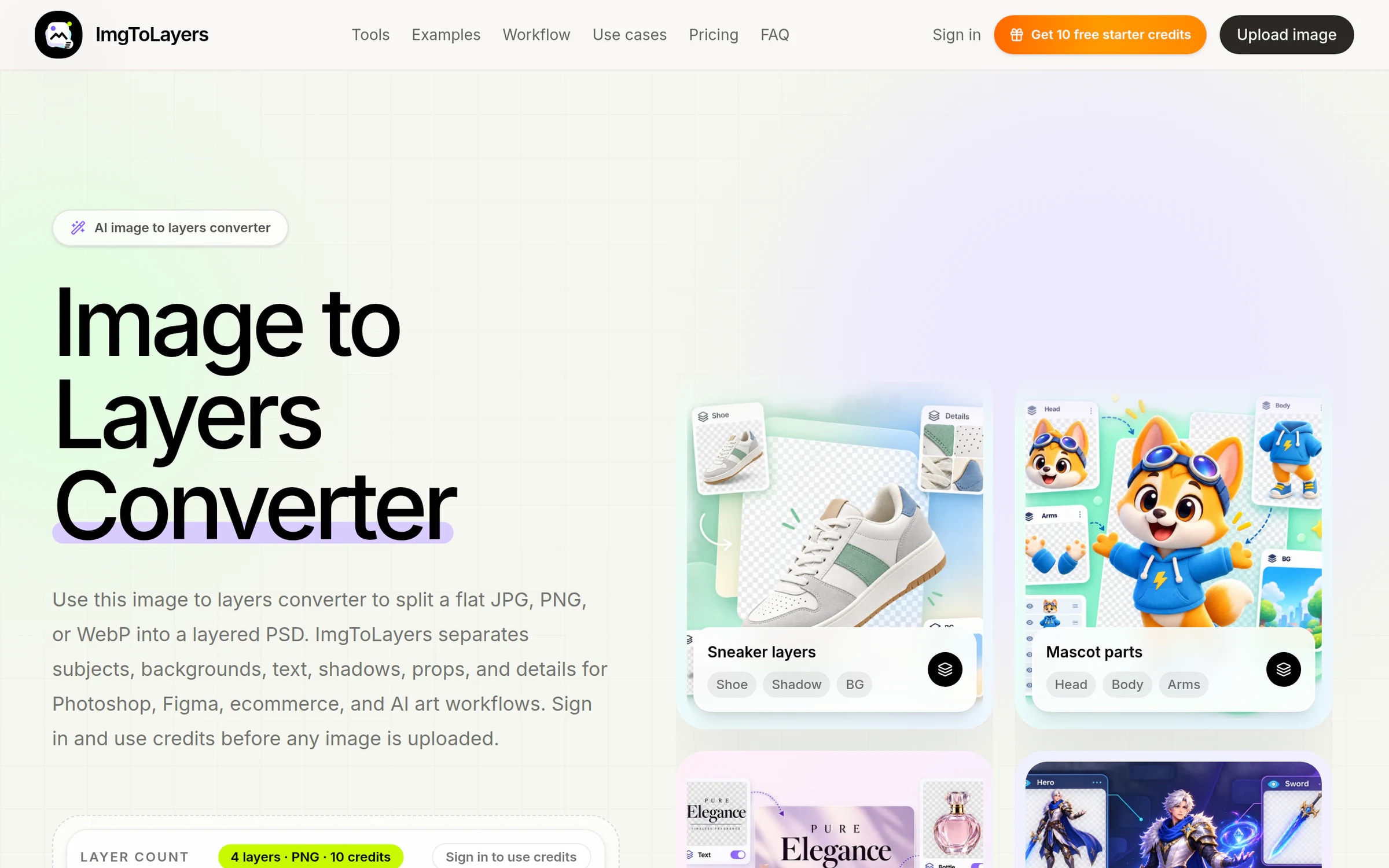
ImgToLayers

Split a flat image into 4 to 10 transparent AI layers and export a layered PSD
Category
Image
Pricing
Freemium, from $12.90/month
License
Proprietary
Platforms
Web
Updated
img2layers.org
ImgToLayers website

Overview

ImgToLayers turns one flat image into a stack of editable, transparent layers. It's built for designers and sellers who only have the finished file: a product photo, a poster export, a logo without its source, or an AI-generated image. Instead of masking every object in Photoshop and painting in what was behind it, you let an AI layer-separation model do the first pass.

How it works

  • Upload a JPG, PNG, WebP, GIF or AVIF (up to 20 MB) and choose 4, 5, 8 or 10 layers
  • Each element (subject, background, shadow, text, props and smaller details) lands on its own transparent layer, in its original position on the canvas
  • The AI fills in the pixels hidden behind each object, so you can move layers freely
  • Check edges, then rename and reorder layers in the workspace
  • Export a layered PSD (assembled in your browser), individual transparent PNG or WebP layers for Figma, or a ZIP of the full set
  • Successful results stay in your layer history, so you can download them again later

Built for common jobs

There are dedicated tools for product photos, logos, posters and graphics, character parts, subject and background separation, and converting PNG, JPG, WebP and screenshots to PSD.

Limits

  • Layers come back at about 0.4 megapixels
  • Text comes back as a raster layer, not editable type
  • Vectors and smart objects aren't recovered

Pricing

  • Free to start: 10 credits for new accounts, enough for one 4-layer job
  • Cost per job: 10, 13, 20 or 28 credits for 4, 5, 8 or 10 layers
  • Monthly plans: Starter $12.90 (300 credits), Pro $29.90 (800), Studio $59.90 (1,800)
  • One-time packs: $19.90, $39.90 and $79.90
  • Failed jobs get their credits back, and you're never charged again to re-download a result

Plans

  • Starter
    $12.90/month

    300 credits a month

  • Pro
    $29.90/month

    800 credits a month

  • Studio
    $59.90/month

    1,800 credits a month

Full pricing on img2layers.org

FAQ

Is ImgToLayers free?

Yes, ImgToLayers has a free plan. Paid plans start at $12.90/month.

Is ImgToLayers open source?

No. ImgToLayers is proprietary software.

Where can I use ImgToLayers?

ImgToLayers runs on the web.

Who makes ImgToLayers?

ImgToLayers is made by a team that includes Dan Chung (Indie Developer).

What are some alternatives to ImgToLayers?

Other tools listed here for similar work include Image2Layers, Remove.bg, and Ideogram.

Founder

  • Dan Chung
    Indie Developer

Alternatives

Image

Image2Layers

Image to Layer AI: split any image into editable PSD layers

Freemium
Content creation

Remove.bg

AI background remover and generator for people who need cutouts, transparent PNGs, and quick backdrops.

Freemium / API
Image

Ideogram

AI apps and models for generating and editing images, plus an API and MCP access for teams and developers.

Freemium / Open source / API / MCP

All image tools

Makers

Is ImgToLayers yours?

Keep this listing up to date, or feature it at the top of the directory for 30 days.

Get in touch about this listing

Got an account? Log in here