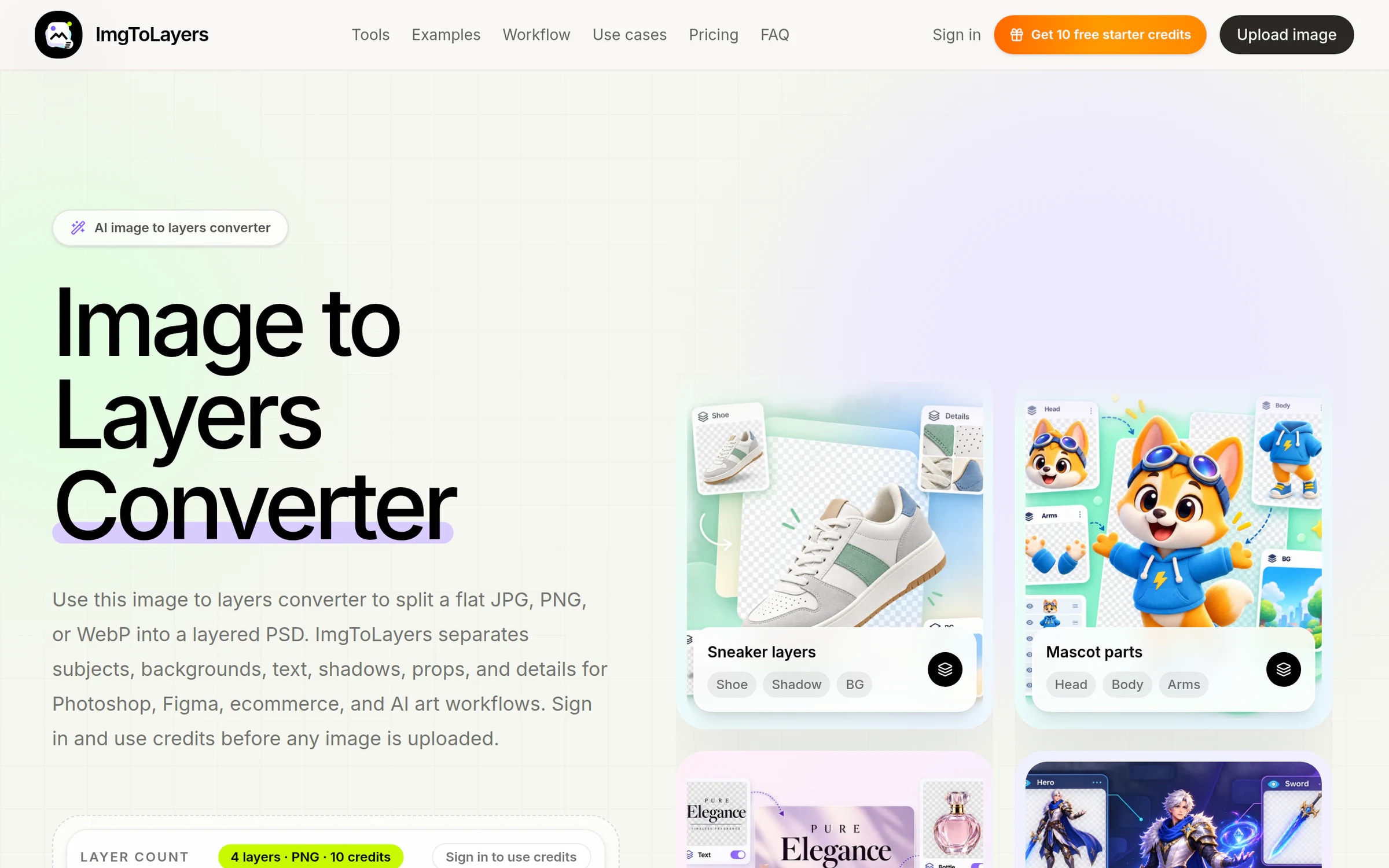
ImgToLayers
Split a flat image into 4 to 10 transparent AI layers and export a layered PSD
Freemium
Image to Layer AI: split any image into editable PSD layers
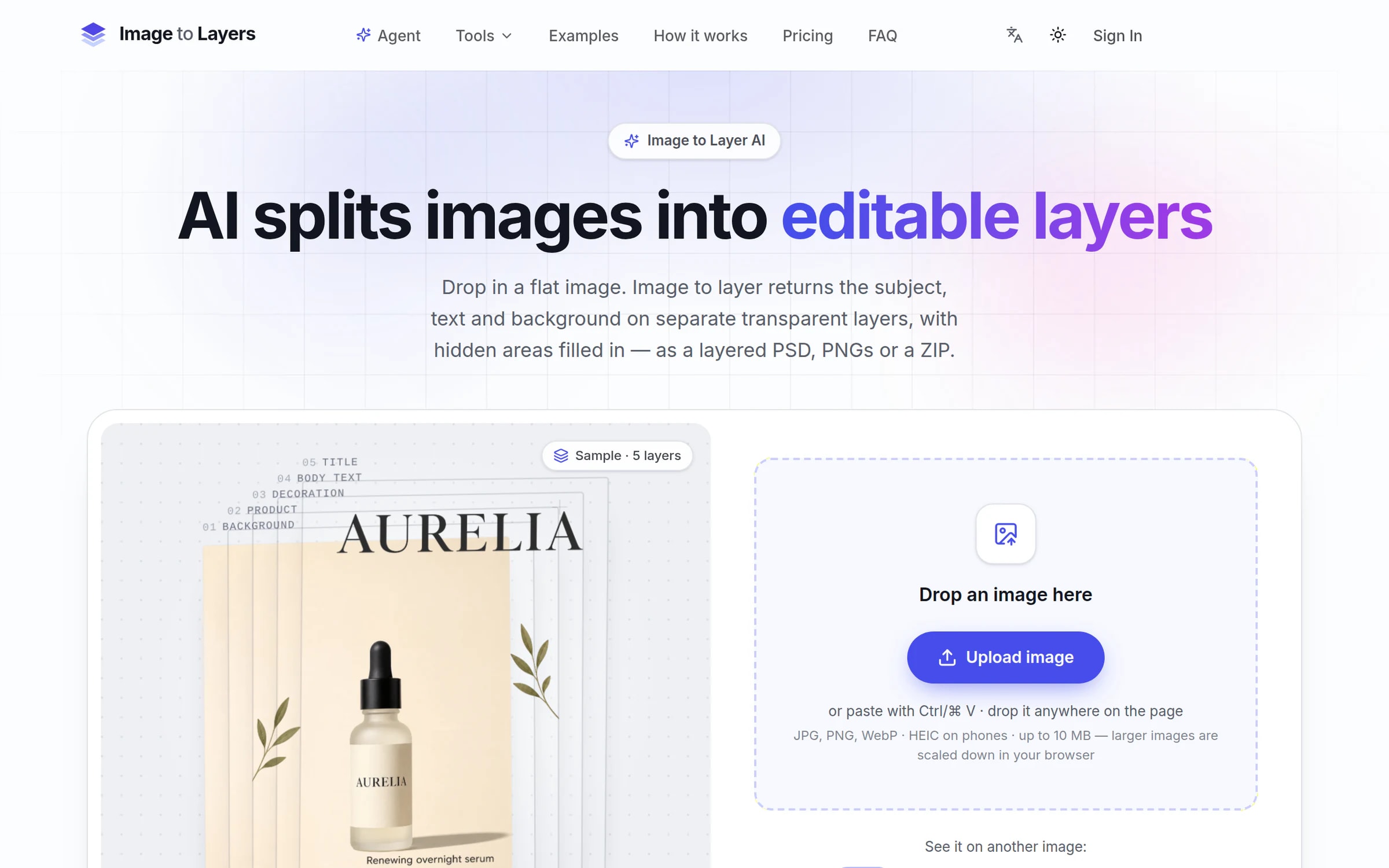
Image2Layers turns any flat image into editable layers.
Upload a JPG, PNG or WebP and the AI separates it into clean, transparent layers for objects, text and background. It also fills in the areas that were hidden behind the objects it removes. Every layer stays in its original position on the canvas, so nothing shifts when you edit. Export as a layered PSD, separate PNGs or a ZIP. You don't need masking skills or Photoshop.
What it does:
Free browser tools: save any image as a single-layer PSD, convert PSDs to PNG, JPG or PDF, and view PSD files online without Photoshop.
Who it's for: designers, freelancers, e-commerce sellers and anyone stuck with an AI-generated or flattened image. Use it to move a product, swap a background, fix text or reuse one element in a new layout.
Pricing:
2 AI layer splits
Up to 40% off on yearly billing
Up to 40% off on yearly billing
Yes, Image2Layers has a free plan. Paid plans start at $14.90/month.
No. Image2Layers is proprietary software.
Image2Layers runs on the web.
Image2Layers is made by a team that includes Dan Chung (Indie Developer).
Other tools listed here for similar work include ImgToLayers, Ideogram, and Remove.bg.
Split a flat image into 4 to 10 transparent AI layers and export a layered PSD
Freemium
AI apps and models for generating and editing images, plus an API and MCP access for teams and developers.
Freemium / Open source / API / MCP
AI background remover and generator for people who need cutouts, transparent PNGs, and quick backdrops.
Freemium / API
Is Image2Layers yours?
Keep this listing up to date, or feature it at the top of the directory for 30 days.
Get in touch about this listingGot an account? Log in here