Submagic
AI short-form video editor for creators and teams that adds captions, b-roll, edits, and publishing automation.
Freemium / API
Chat-based AI video editor for creators and teams to make, edit, and repurpose videos.
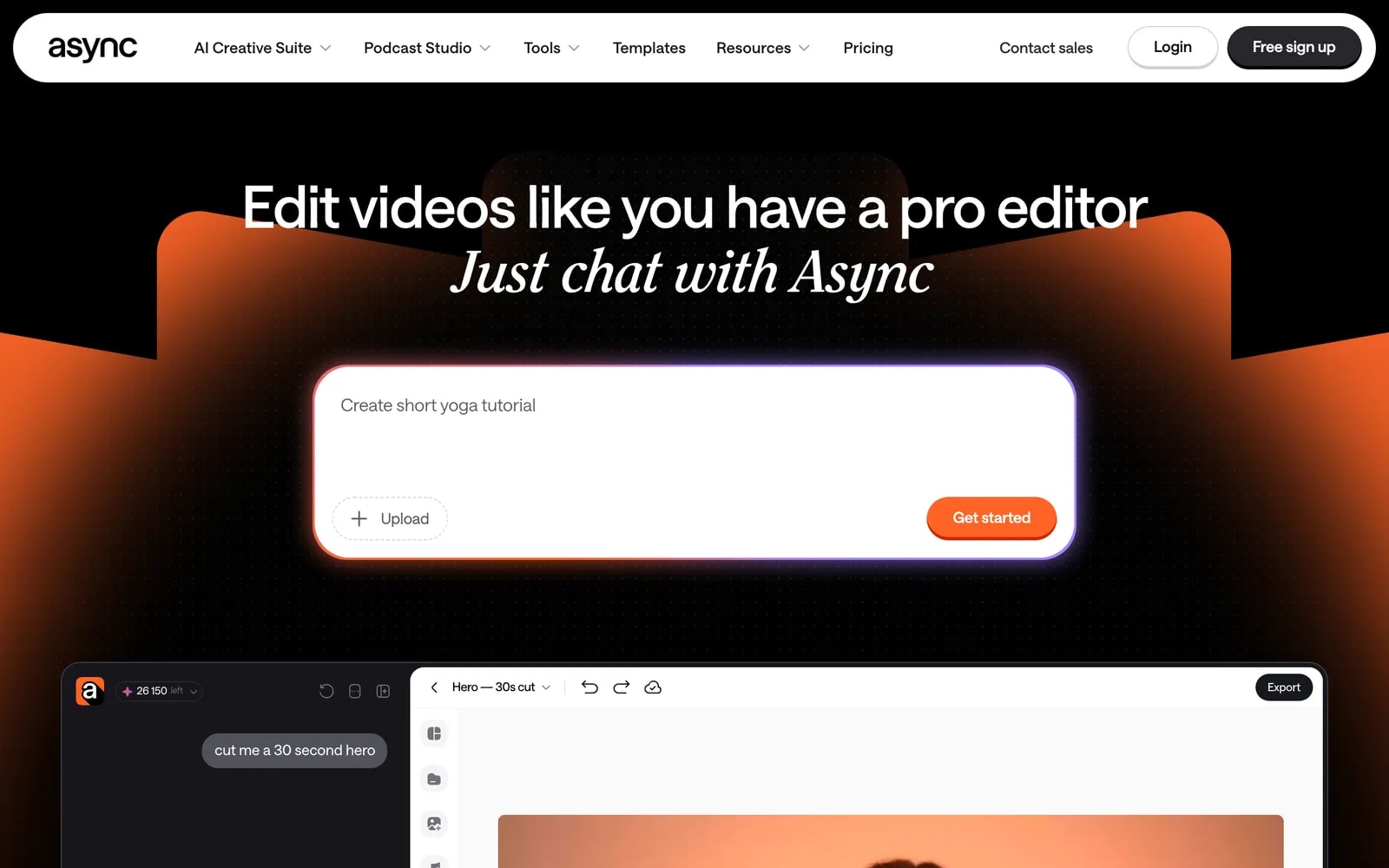
Async is an online video editor you control by chatting. You upload raw footage or start from an idea, prompt, or template, and tell Async what to do. It handles the edit work and returns a finished video, with an editor view that includes export, split, and smart layout controls.
The chat covers the usual editing jobs. It removes filler, pauses, repeats, and bad takes from a rough cut, syncs cuts and transitions to a chosen music track, cleans up noisy audio with Magic Dust, and adds subtitles that stay in sync with the final edit. It can also generate B-roll, visuals, scenes, voice, or music inside the chat, so you do not have to leave the edit. Long videos, podcasts, webinars, and interviews can be cut into short clips for TikTok, Instagram Reels, YouTube Shorts, LinkedIn, and ads.
You can save your editing style as a skill and reuse it on later projects. Async also offers AI dubbing, multilingual AI voices, and translated subtitles for localized versions. Its editor warns that AI can make mistakes, so edits should be reviewed before export.
Async suits creators, podcasters, small businesses, and marketing teams who produce ads, vlogs, explainers, interviews, social clips, and similar videos and do not want to learn a traditional timeline editor. Teams can use it for collaborative workflows and brand consistency. It is a chat-driven tool, so editors who want frame-level manual control may find it less direct.
Yes, Async has a free plan, and paid plans add more.
No, Async is built for people with no video editing background. You start with an idea, prompt, uploaded media, or a pre-made workflow and direct the edit by chatting.
Yes, Async turns long videos, podcasts, webinars, interviews, and recordings into short-form clips for TikTok, Instagram Reels, YouTube Shorts, LinkedIn, and other platforms. You can add captions and improve the sound on the clips.
Yes, Async includes AI subtitles and AI dubbing. You can caption videos, translate content, and make multilingual versions, and it offers multilingual AI voices for localization.
Yes, Async is built for both. Teams can use collaborative workflows and brand consistency tools to scale video production.
No. Async is proprietary software.
Async runs on the web.
Other tools listed here for similar work include Submagic, Captions, and Kapwing.
AI short-form video editor for creators and teams that adds captions, b-roll, edits, and publishing automation.
Freemium / API
An AI video editor and generator for creators who want finished videos, captions, and avatars from existing footage or prompts.
Paid
An AI video editor for creators and teams that makes, edits, captions, and localizes videos in the browser.
Freemium / MCP
Is Async yours?
Keep this listing up to date, or feature it at the top of the directory for 30 days.
Get in touch about this listingGot an account? Log in here