Topaz Labs
AI photo and video enhancement software for photographers, filmmakers, and production teams.
Freemium / API
AI image app for upscaling, sharpening, and restoring photos, for photographers, creators, and ecommerce teams.
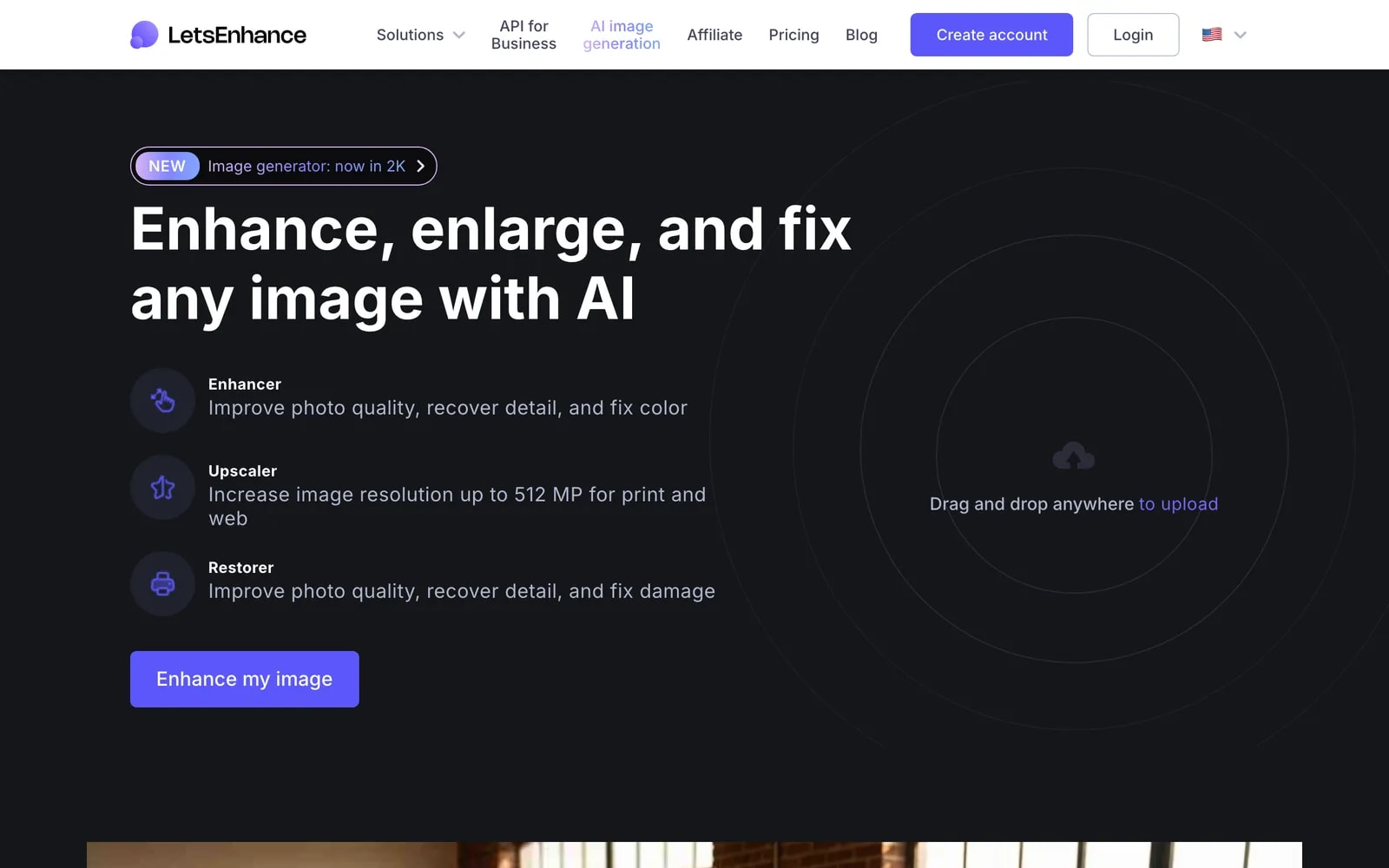
Let's Enhance is a web app that improves the quality of photos and other images. You upload a JPG, PNG, or WebP file, pick what you want done, and download the result at full resolution. The upscaler raises resolution up to 16x so images reach 300 DPI at the size you need, and it handles photos, AI art, logos, and scanned images.
After uploading, you choose an enhancement type: upscale for a larger size, enhance for better overall quality, or sharpen to fix blur. Prime is the default mode and suits portraits, products, and textures. Gentle is the better pick when an image has small text or fine details to preserve. For damaged old photos, run Old Photo mode first to repair them. Finished images can be edited further in Chat Editor or animated with Image to Video. You can process up to 20 images at once.
The tool aims for natural results: it recovers real detail and corrects color rather than adding a plastic, over-processed look. Paid plans remove the watermark. The interface comes in many languages, including German, Spanish, French, Japanese, Korean, and Simplified and Traditional Chinese.
Photographers, artists, and print-on-demand sellers who need small images to print sharply, and e-commerce sellers who need cleaner product photos. It also suits anyone restoring old scans or polishing AI-generated art. Teams that need to process catalogs automatically can use the API for business.
Yes, Let's Enhance has a free plan. Paid plans start at $9/month.
Let's Enhance accepts JPG, PNG, and WebP files. You can drag and drop them or select them from your device, and you can edit up to 20 images at once.
The free plan takes input images up to 24 megapixels or 50MB and upscales up to 8 megapixels. Paid plans accept inputs up to 64 megapixels or 50MB, with upscaling up to 256, 350, or 512 megapixels depending on the plan.
Yes, on the free plan. Results carry a watermark, which is removed on paid plans.
Yes. Old Photo mode repairs damage and should be run first, before other enhancements. The AI also sharpens edges, reduces noise, corrects exposure, and restores detail lost to blur or compression.
Yes. Let's Enhance has a public API, and its documentation is linked at the top of this page.
No. Let's Enhance is proprietary software.
Other tools listed here for similar work include Topaz Labs, Vectorizer.AI, and Upscayl.
AI photo and video enhancement software for photographers, filmmakers, and production teams.
Freemium / API
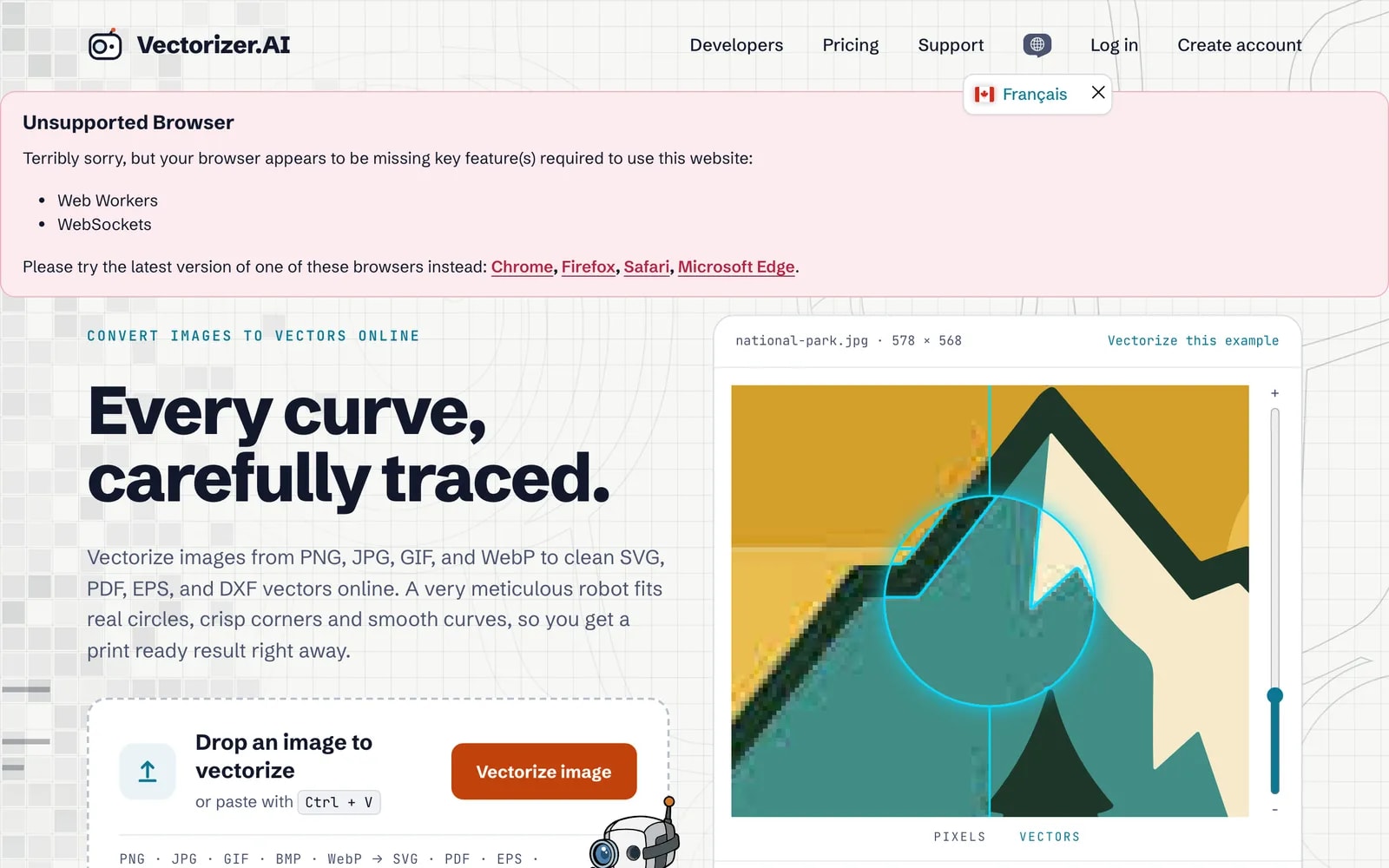
Convert raster images to SVG, PDF, EPS, and DXF for logos, art, print, CAD, and CNC workflows.
Freemium / API
AI image upscaler for creators, designers, businesses, and anyone who wants clearer images.
Freemium / Open source
Is Let's Enhance yours?
Keep this listing up to date, or feature it at the top of the directory for 30 days.
Get in touch about this listingGot an account? Log in here