
quso.ai
Turn long videos into short, captioned clips for creators, podcasters, and social media teams.
Freemium
AI clipping editor for creators who make short-form videos from podcasts, streams, and other long videos.
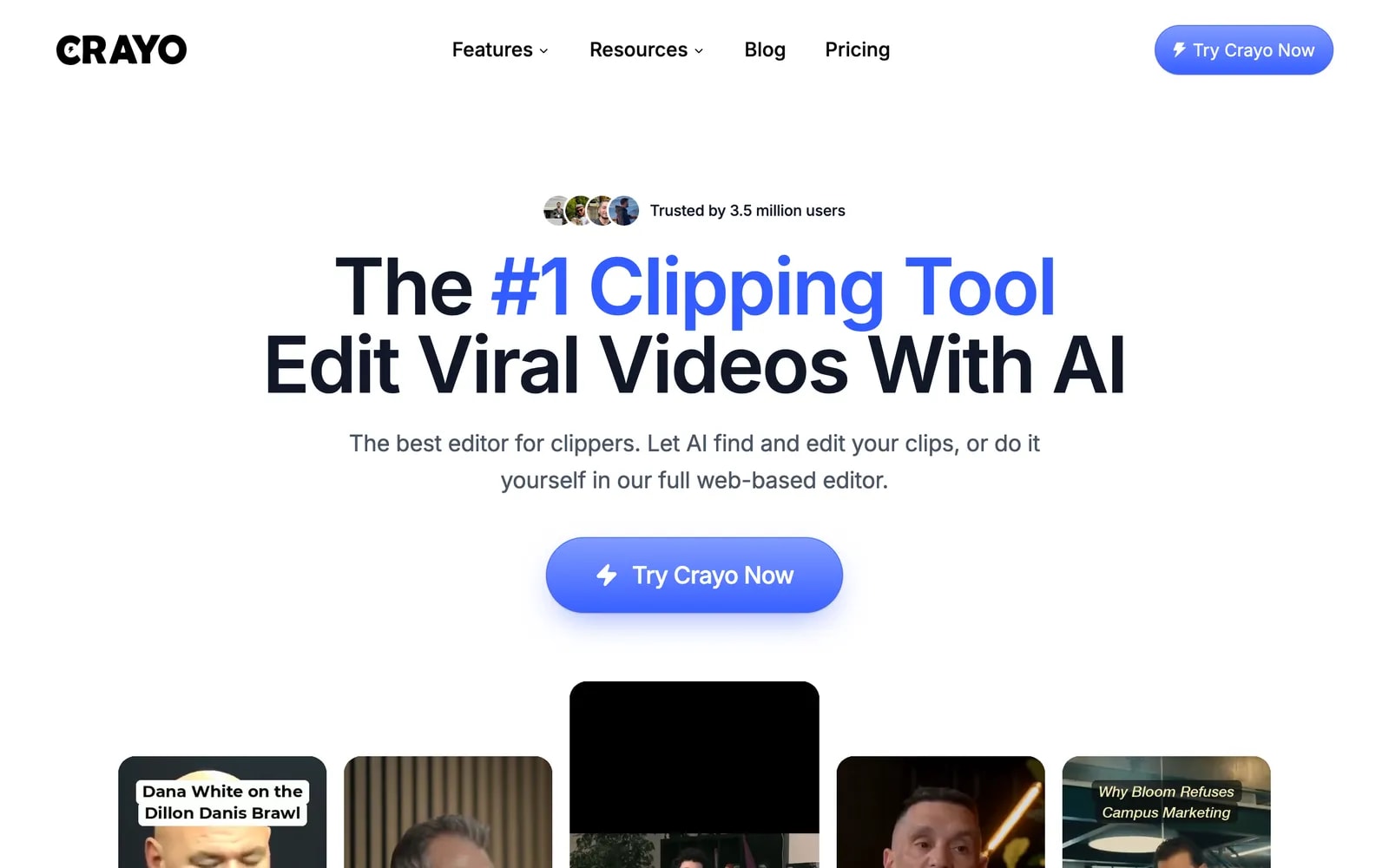
Crayo turns long videos such as podcasts, streams, and interviews into short clips. You upload a video, and AI finds the strongest moments, frames the speaker, adds captions and a title, and hands back vertical clips. Every clip stays editable in a multi-track editor that runs in the browser, with no install and no watermark on any plan.
You choose how much the AI does. AutoClip runs the whole job in one pass. Find Viral Moments returns a ranked set of moments you can review, trim, and keep, and you can then edit them yourself or let AI apply a creator style. Clip Cutter lets you mark the ranges you want on one timeline, save each as its own clip, and hand the captions, framing, and style to AI. AutoClip works with more than 50 spoken languages, and you can pick the language or leave it on auto.
Templates apply ready-made captions, framing, color, and effects to your clips, or you can use your own settings. Crayo also includes AI voiceovers, AI images, a voice changer, a speech enhancer, a subtitle remover, and a YouTube downloader that saves videos to your assets. An iPhone app shares the same account and projects as the web version.
Crayo suits clippers, podcast and stream editors, and creators who repurpose long videos into short-form posts, including faceless channels that use voiceovers and generated images. It also offers a REST API for developers who want auto clipping, voiceovers, images, and rendered video inside their own product. Clips can be posted and monetized, as long as you have permission to use the source video.
Yes, Crayo has a free plan. Paid plans start at $19/month.
AutoClip works with more than 50 spoken languages. You pick the language of your video when you start, or leave it on auto.
No, the editor adds no watermark on any plan. It runs in the browser, so there is nothing to install.
One credit makes one AI clip. AutoClip and the AI Video Editor use 1 credit per clip, and Find Viral Moments uses 1 credit per moment it finds. Cutting clips by hand is free.
Yes, you can post and monetize the clips you make. You need permission to use the source video, for example through a clipping campaign.
No, plan credits refill every month and unused ones do not roll over. Credits from one-time top-ups never expire.
Yes. Crayo has a public API, and its documentation is linked at the top of this page.
Other tools listed here for similar work include quso.ai, Submagic, and Klap.
Turn long videos into short, captioned clips for creators, podcasters, and social media teams.
Freemium
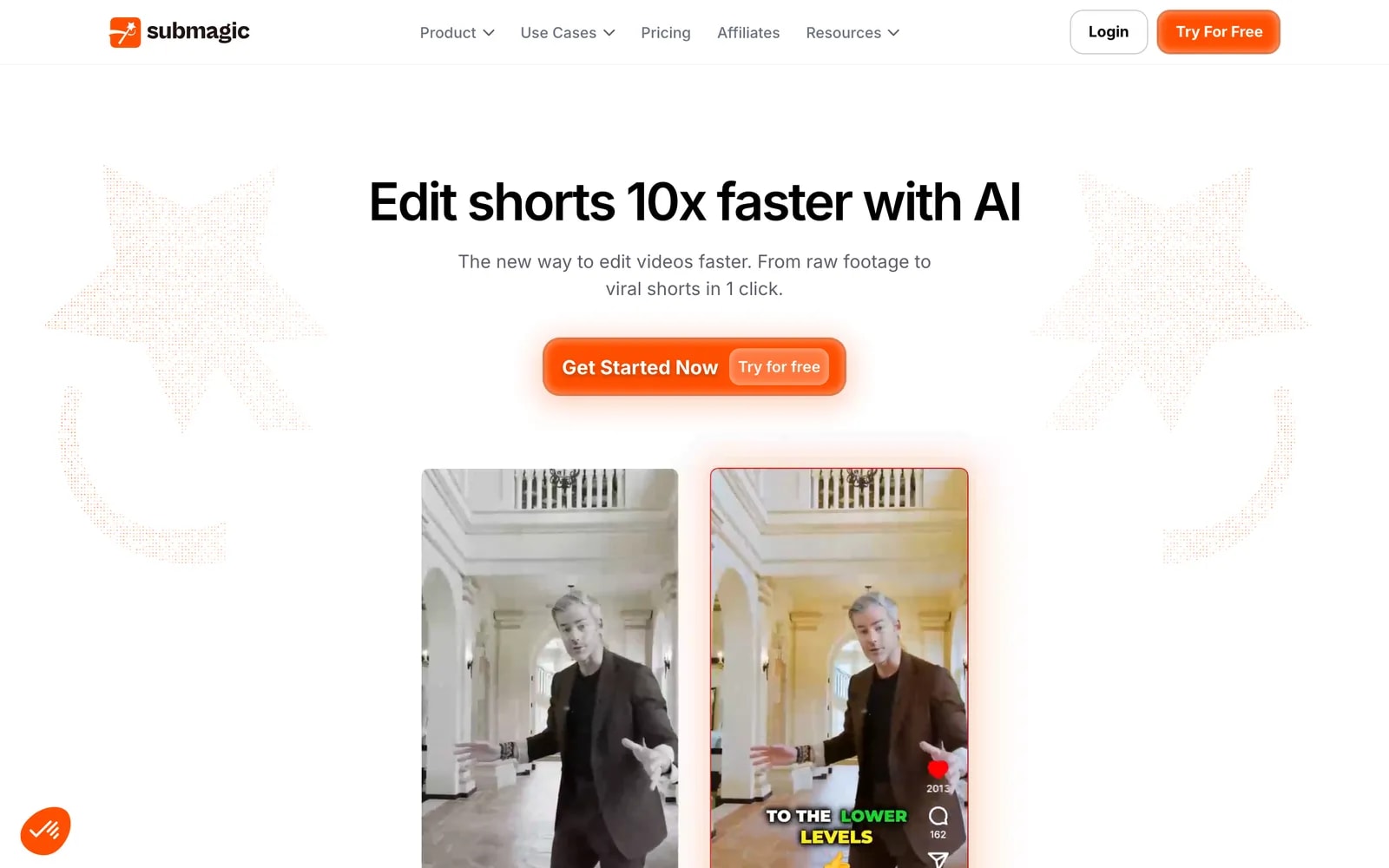
AI short-form video editor for creators and teams that adds captions, b-roll, edits, and publishing automation.
Freemium / API
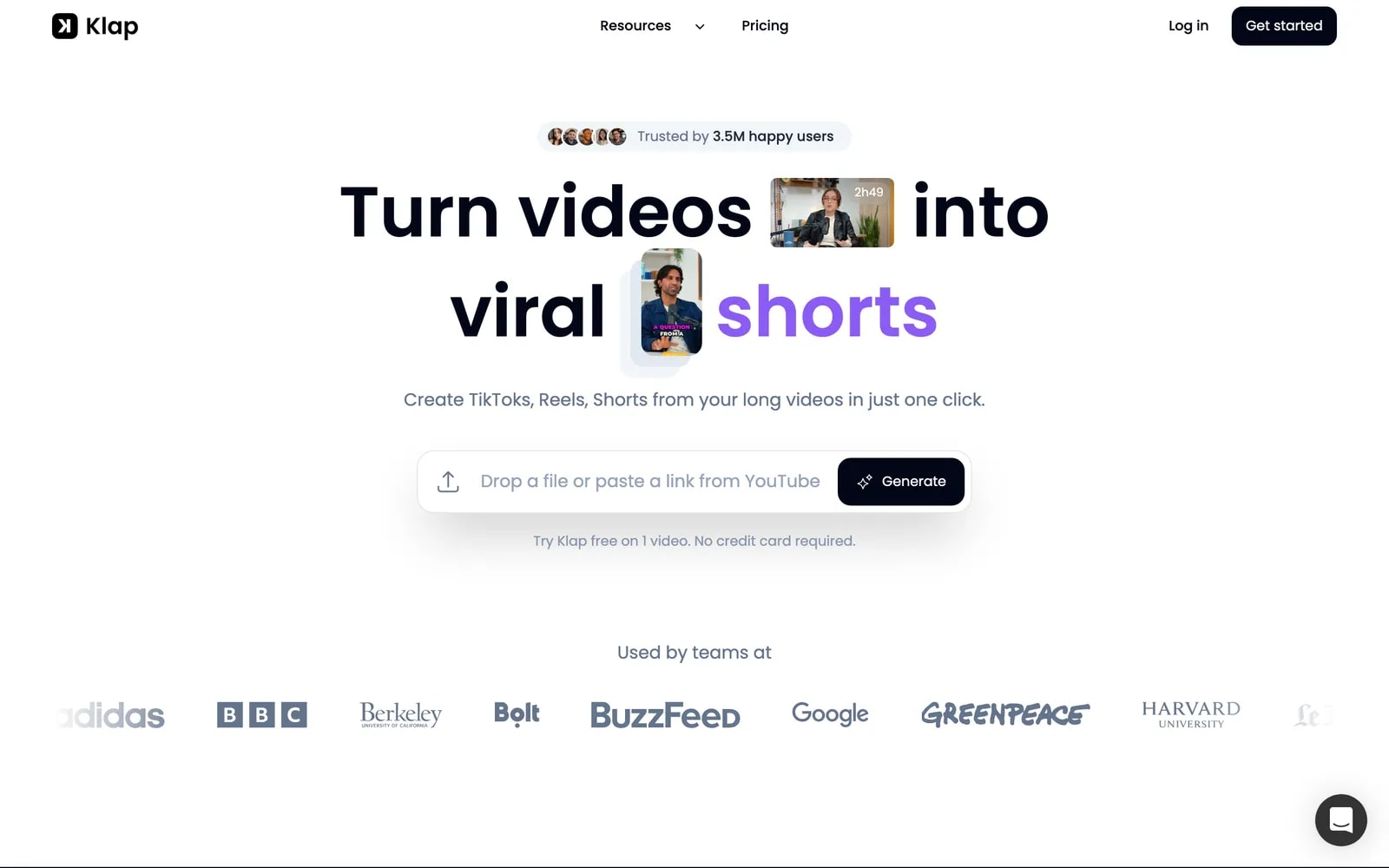
AI video clipping tool that turns long videos into vertical shorts for TikTok, Reels, and Shorts.
Freemium
Is Crayo yours?
Keep this listing up to date, or feature it at the top of the directory for 30 days.
Get in touch about this listingGot an account? Log in here