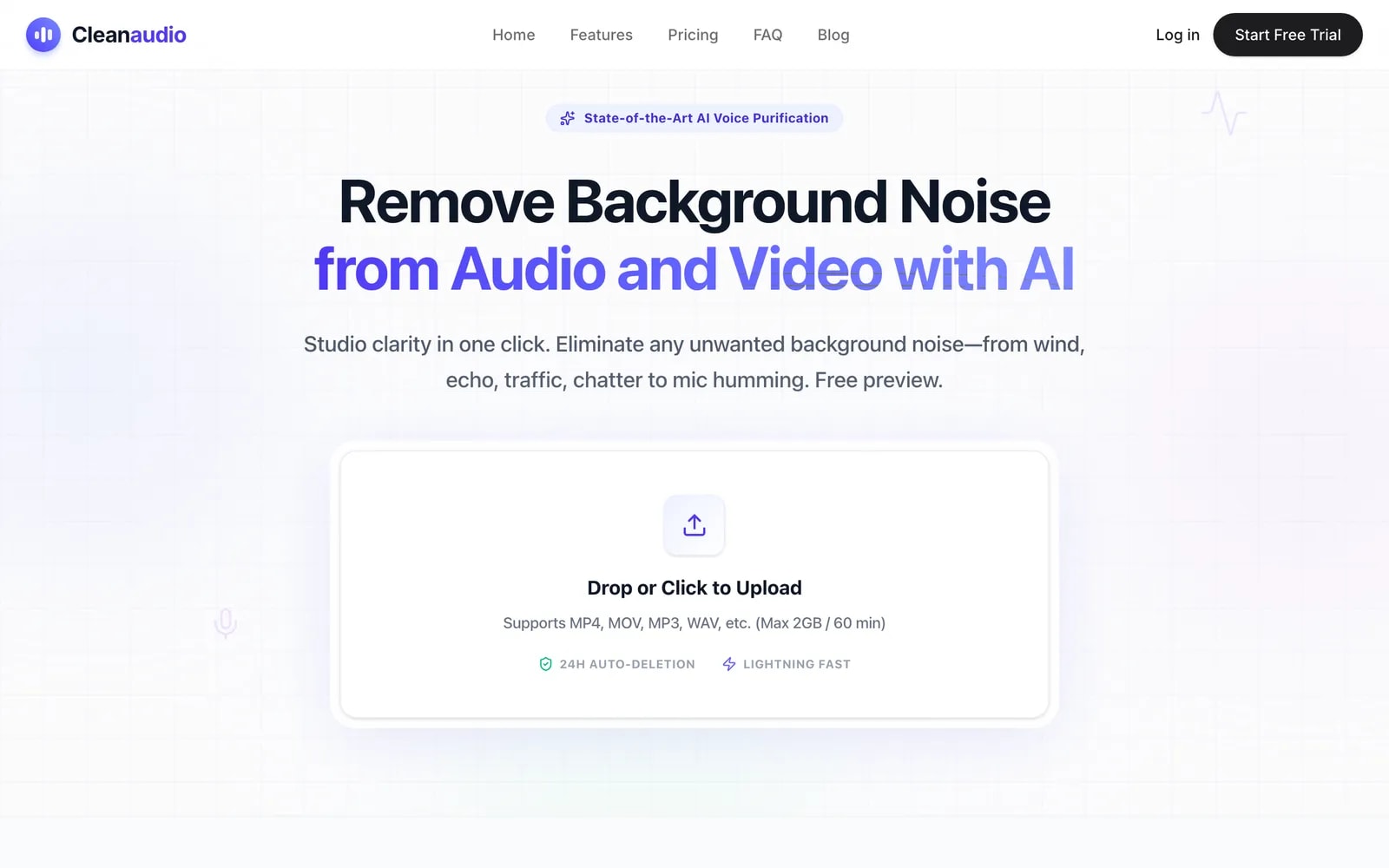
CleanAudio
Browser-based AI noise removal for audio and video files, made for creators who need cleaner speech fast.
Freemium
AI podcast editor for removing filler words, noise, breaths, and dead air from audio and video podcasts.
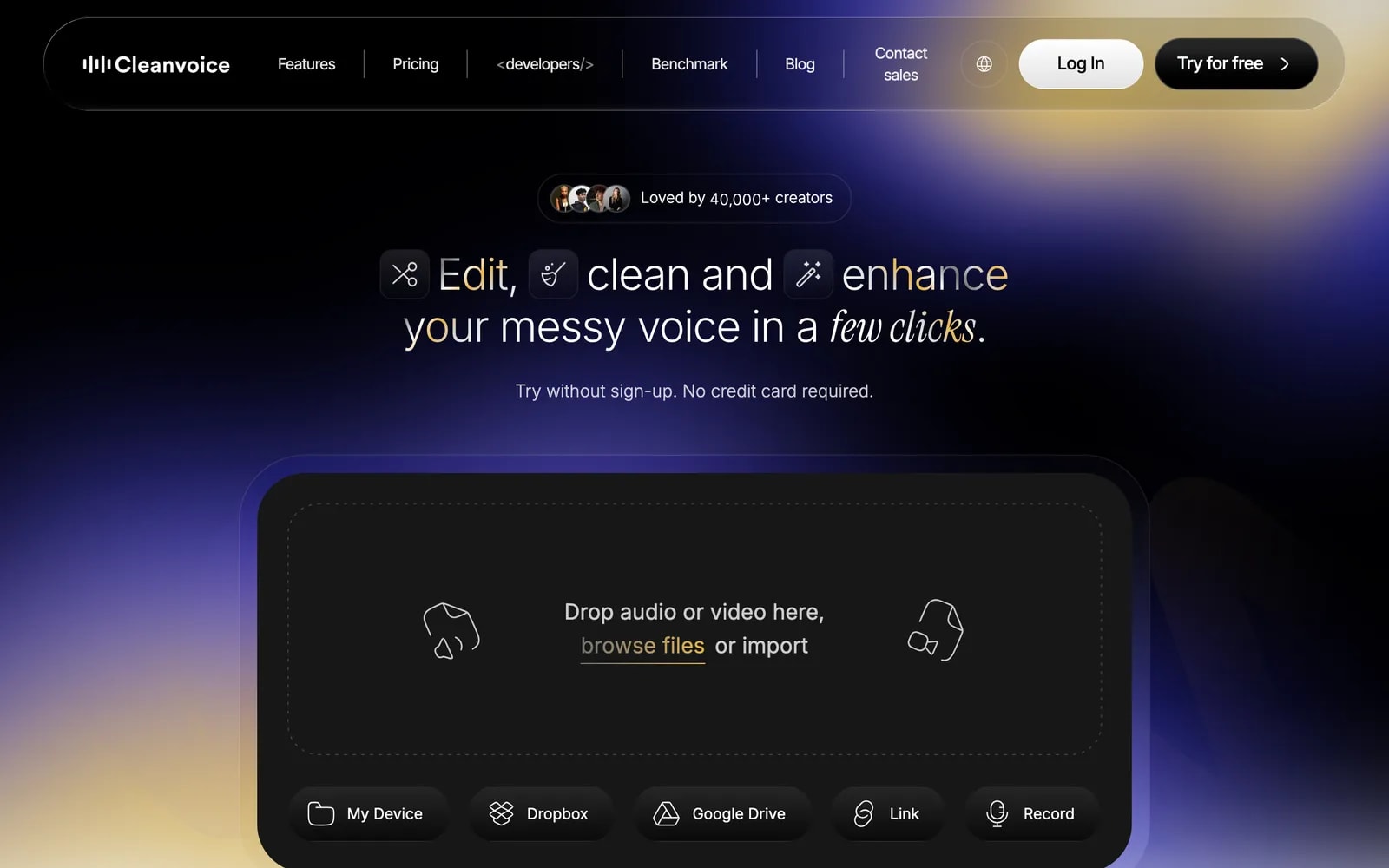
Cleanvoice is an AI editor for spoken-word recordings. You upload an audio or video file, and it cuts filler words, long pauses, stutters, breaths, and mouth sounds, strips background noise, and can lift a raw take to studio sound. You can try it without signing up.
Uploads come from your device, Dropbox, Google Drive, a link, or a recording made in the app. Accepted formats include MP3, WAV, M4A, MP4, and MOV, with files up to 1.5 GB in the no-sign-up flow. For multitrack recordings, filler words and dead air are cut from every speaker's track in one pass so the tracks stay in sync. Every cut can be exported as a timeline and opened in another editor, where you can adjust it yourself.
Developers can run the same processing from Python, JavaScript, or a REST API, with options for fillers, stutters, mouth sounds, hesitations, long silences, breath, noise removal, normalization, and studio sound.
Podcasters, voiceover artists, audiobook narrators, videographers, and anyone with a noisy recording they need to rescue. It suits beginners who want a result without editing experience, and developers or businesses who need to process audio through an API. It is a cleanup tool, not a full manual editing suite, so audio engineers will likely use it for the first pass and finish in their own editor.
Yes, Cleanvoice has a free plan. Paid plans start at $11/month.
Cleanvoice accepts MP3, WAV, M4A, MP4, MOV, and more, with uploads up to 1.5 GB in the no-sign-up flow. You can upload from your device, Dropbox, Google Drive, or a link, or record directly.
Yes, you can drop in a file and try it without signing up or entering a credit card. A free trial is also available.
Yes, it edits multitrack recordings automatically and keeps them in sync. Filler words and dead air are cut from every speaker's track in one pass.
Yes, the cuts can be exported as a timeline that opens in another editor. You can then adjust them yourself.
Data is stored in the EU. Cleanvoice is GDPR compliant and ISO 27001 certified.
Yes. Cleanvoice has a public API, and its documentation is linked at the top of this page.
Other tools listed here for similar work include CleanAudio, Gling, and Auphonic.
Browser-based AI noise removal for audio and video files, made for creators who need cleaner speech fast.
Freemium
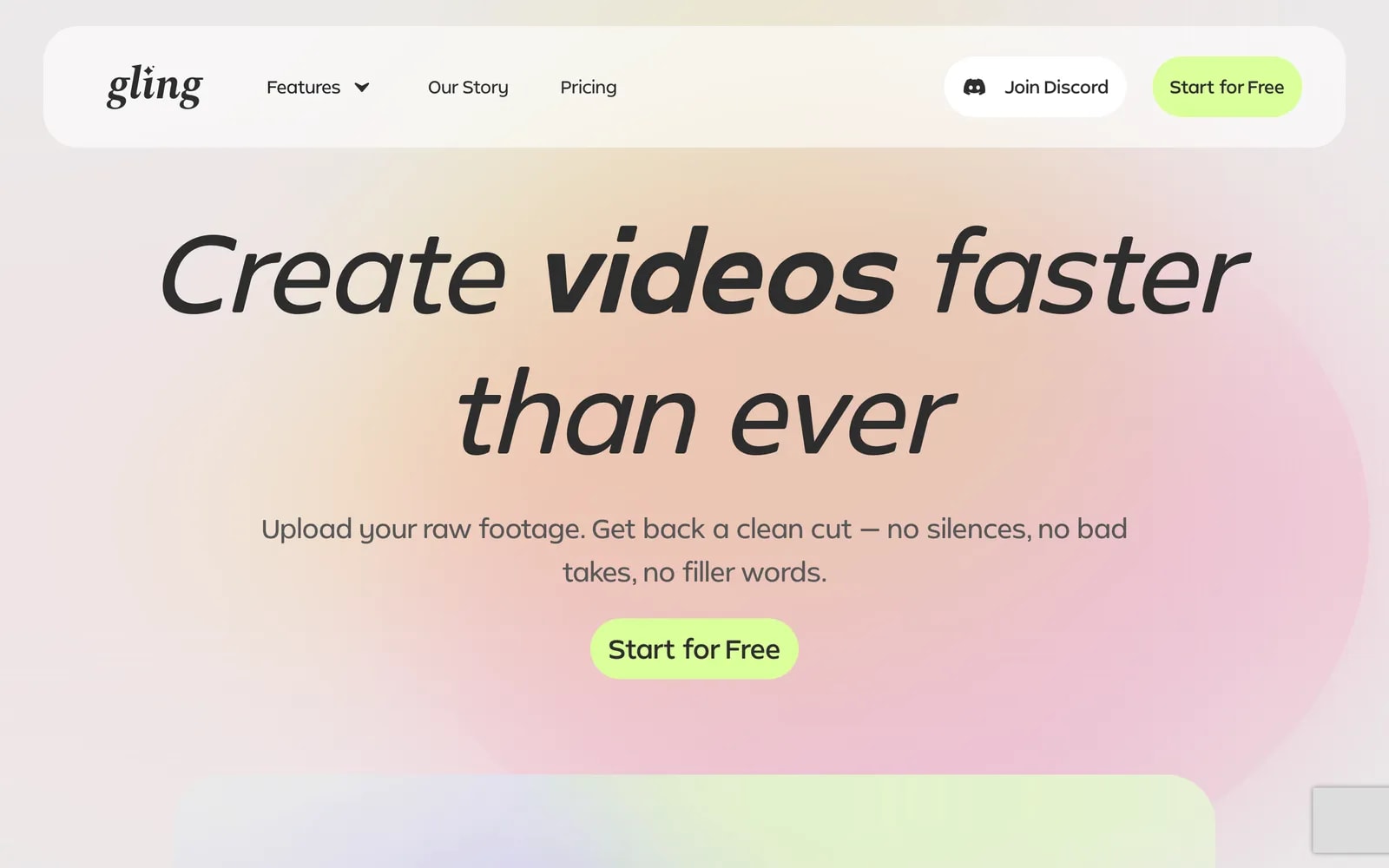
AI video editing software for YouTube creators that removes bad takes, silences, filler words, and background noise.
Freemium
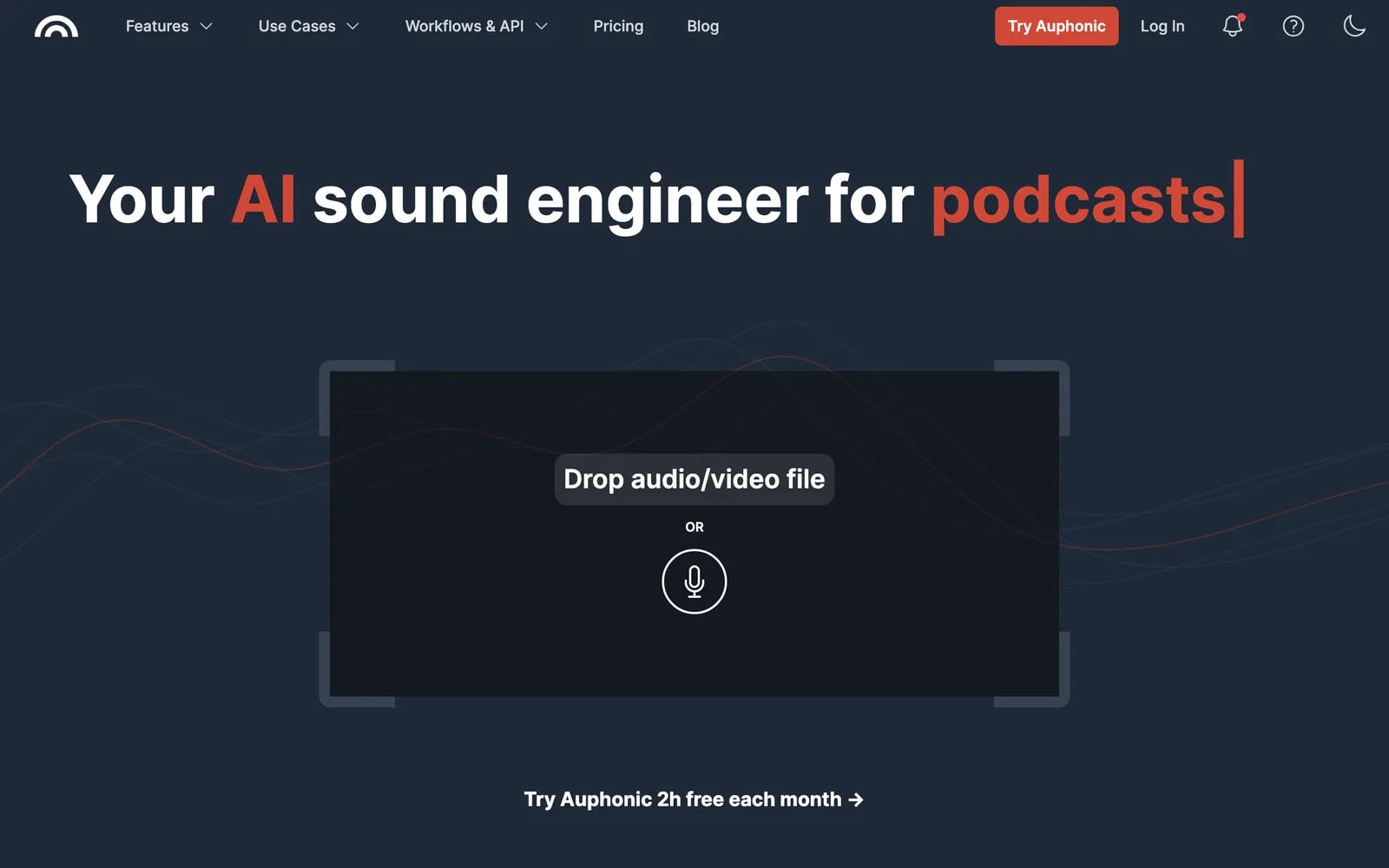
Automatic audio post production for podcasts, education, videos, audiobooks, radio, and broadcasts.
Freemium / API
Is Cleanvoice yours?
Keep this listing up to date, or feature it at the top of the directory for 30 days.
Get in touch about this listingGot an account? Log in here